WhatsApp Apply Unifi

TP-Link Deco M4 AC1200 Whole Home WiFi Mesh System (2026)

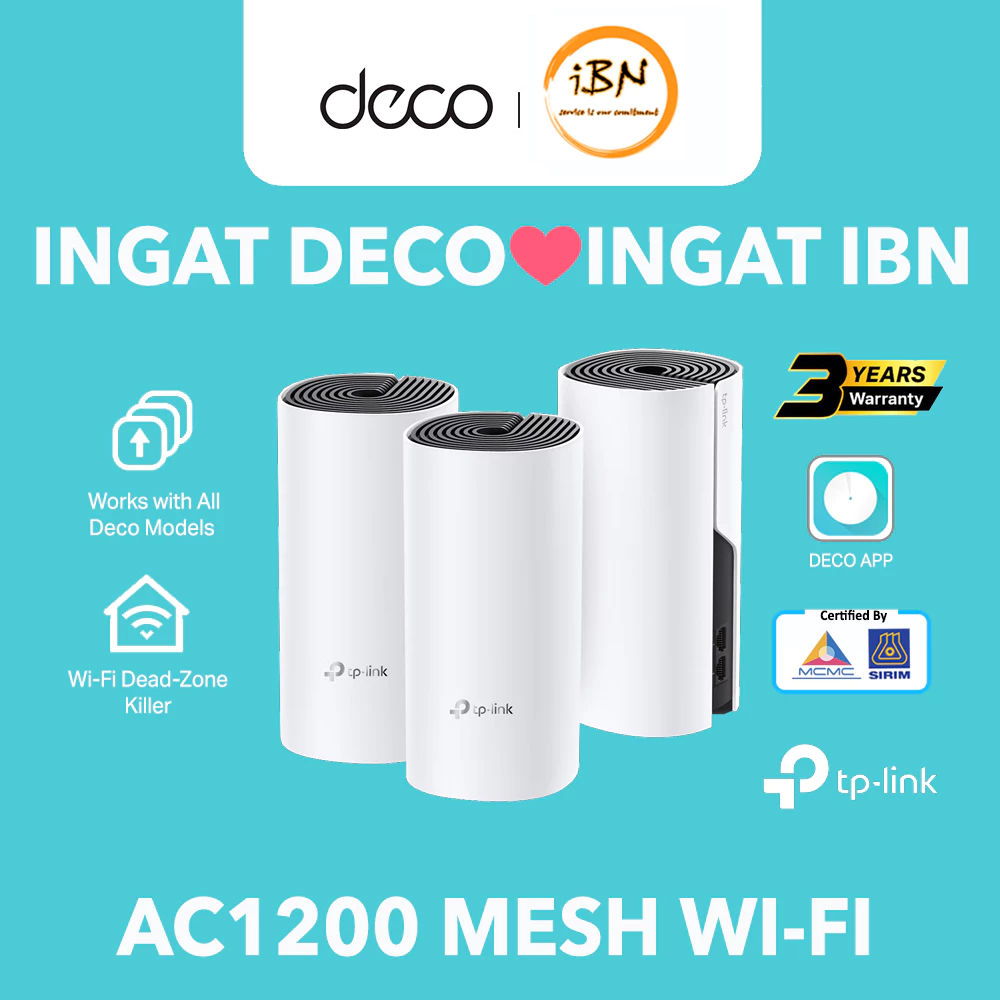
TP-Link Deco M4 AC1200 Whole Home WiFi Mesh System

Upgrade Your Home WiFi with TP-Link Deco M4

If your home has weak WiFi spots, unstable signal, or poor coverage between rooms, the TP-Link Deco M4 is a practical mesh WiFi upgrade. It is designed to provide more consistent coverage across your home for work, study, streaming, and gaming.
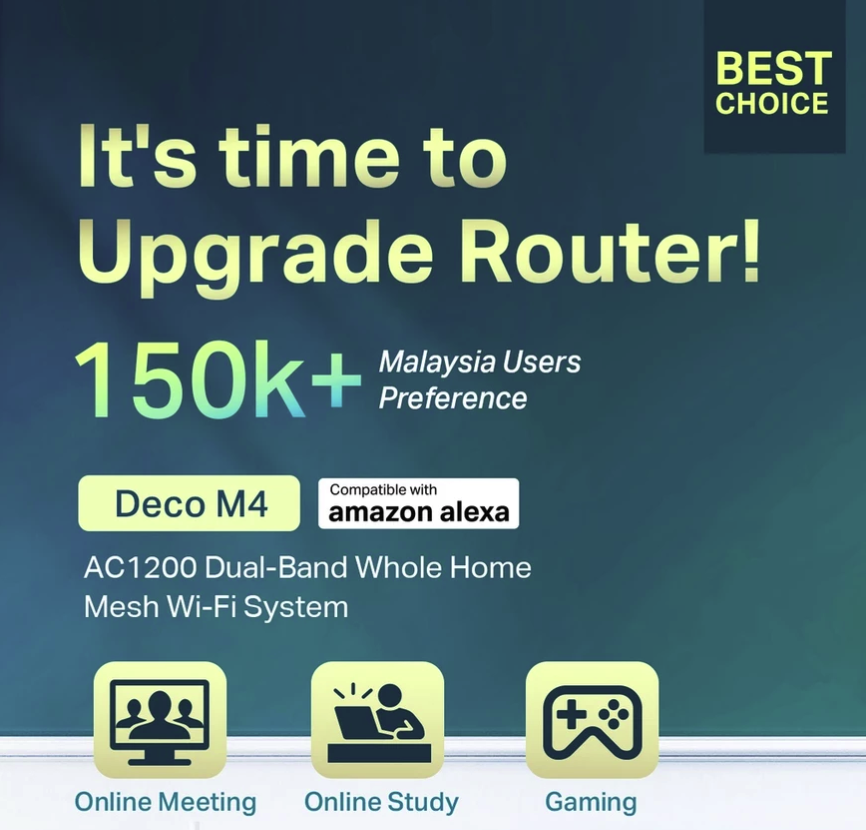
TP-Link Deco M4 upgrade router image

Key Highlights

AC1200 Whole Home Mesh WiFi

  • AC1200 dual-band mesh WiFi system
  • Seamless roaming with one WiFi name
  • Suitable for online meetings, online study, and gaming
  • Lag-free experience for more connected devices
  • Supports connections for up to 100 devices
  • Available in 1-pack, 2-pack, and 3-pack options
👉 Check Latest Price
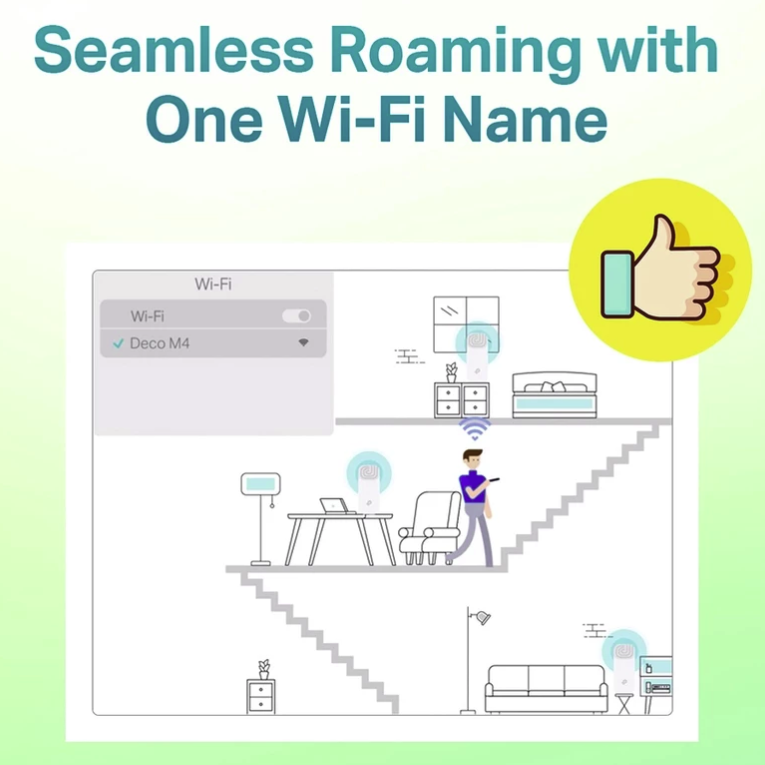
TP-Link Deco M4 seamless roaming image

Seamless Roaming Across Your Home

The Deco M4 helps create one unified WiFi network name, so you can move from room to room without manually reconnecting. This is especially useful in double-storey homes, larger apartments, and family households with multiple devices connected at the same time.
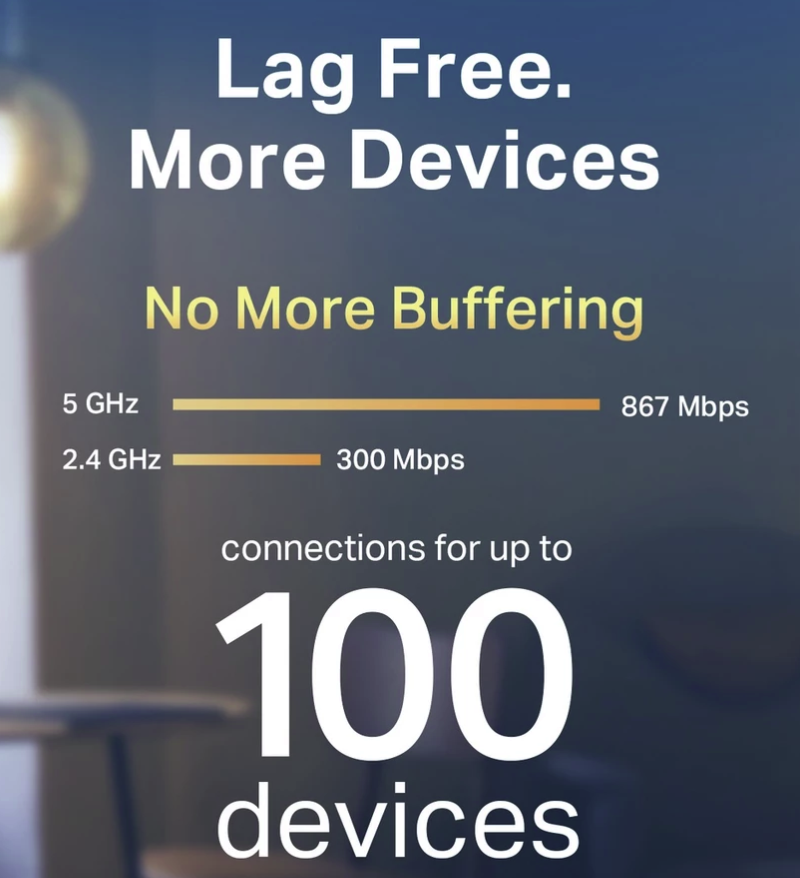
TP-Link Deco M4 100 devices image

Better Performance for Daily Use

Based on the product details, this mesh system is built to reduce buffering and improve connection stability for daily internet usage. It is suitable for homes that rely on WiFi for video calls, online classes, entertainment streaming, and general multi-device use.
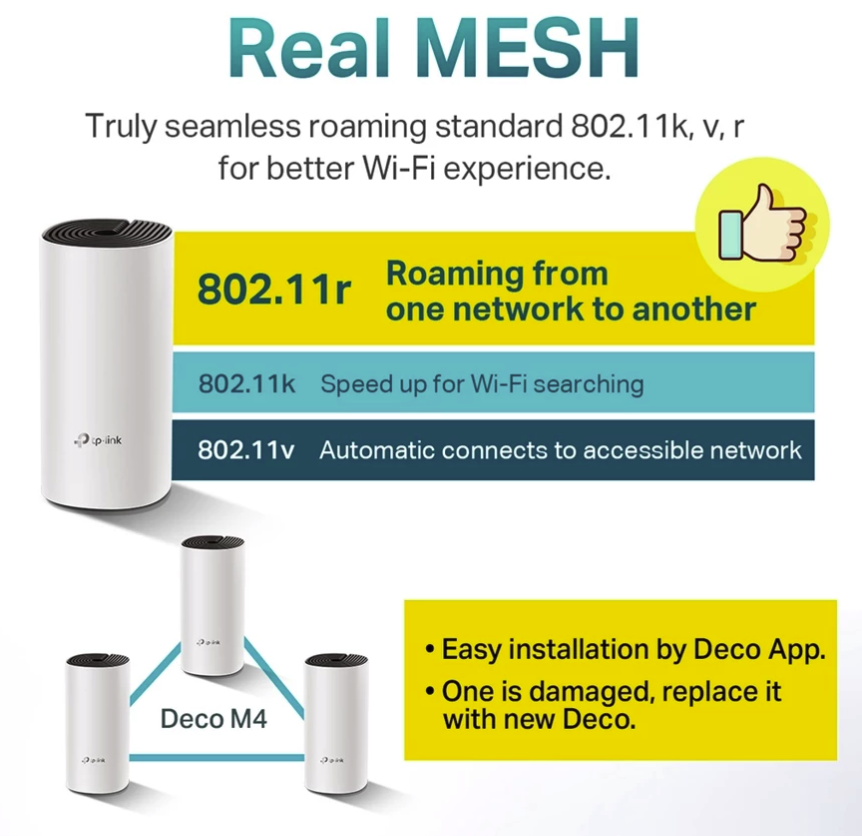
TP-Link Deco M4 real mesh image

Who Is This For?

  • Homes with weak WiFi spots
  • Users working or studying from home
  • Families with many connected devices
  • Gamers and streamers who want more stable coverage

Final Thoughts

The TP-Link Deco M4 is a solid choice for users who want to improve whole-home WiFi coverage without a complicated setup. It offers better roaming, more stable performance, and a smoother experience across daily digital activities.

This page contains affiliate links. We may earn a commission at no extra cost to you.

Need Help Applying for Unifi?

WhatsApp Agent

Frequently Asked Questions (FAQs)

TM may run a basic internal credit check. You may be required to pay a deposit if necessary.

Yes. They will suggest the best spot to maximise WiFi coverage in your home.

Yes. Technicians will arrange an available slot that suits you. Weekend slots are limited.

Yes. Your Unifi Voice landline number will remain the same after an upgrade.

Your agent will assist by providing TM documents or contacting management to verify wiring eligibility.

Yes. Foreigners can register with a valid passport. A deposit may be required.

Selected Unifi Biz plans may be contract-free. Home packages usually come with a 24-month contract.

Your agent can submit a port expansion request and place you on the official TM waiting list.

Yes, you can request a relocation. Your agent will check coverage at your new address.

Yes. Unifi Biz packages are available for offices, retail shops, and SMEs with optional static IP.

No upfront payment is required. Standard installation is free unless you request special wiring.

You only need your MyKad or passport. Business registrations may require SSM documents.

Yes. The router and modem must be returned to avoid non-return charges.

You may need to settle outstanding balances with TM before applying for a new Unifi service.

Most installations take 1–3 days depending on technician availability and your area’s demand.

Zoom